Play · Maps
Fog of war, and tokens that know their creatures.
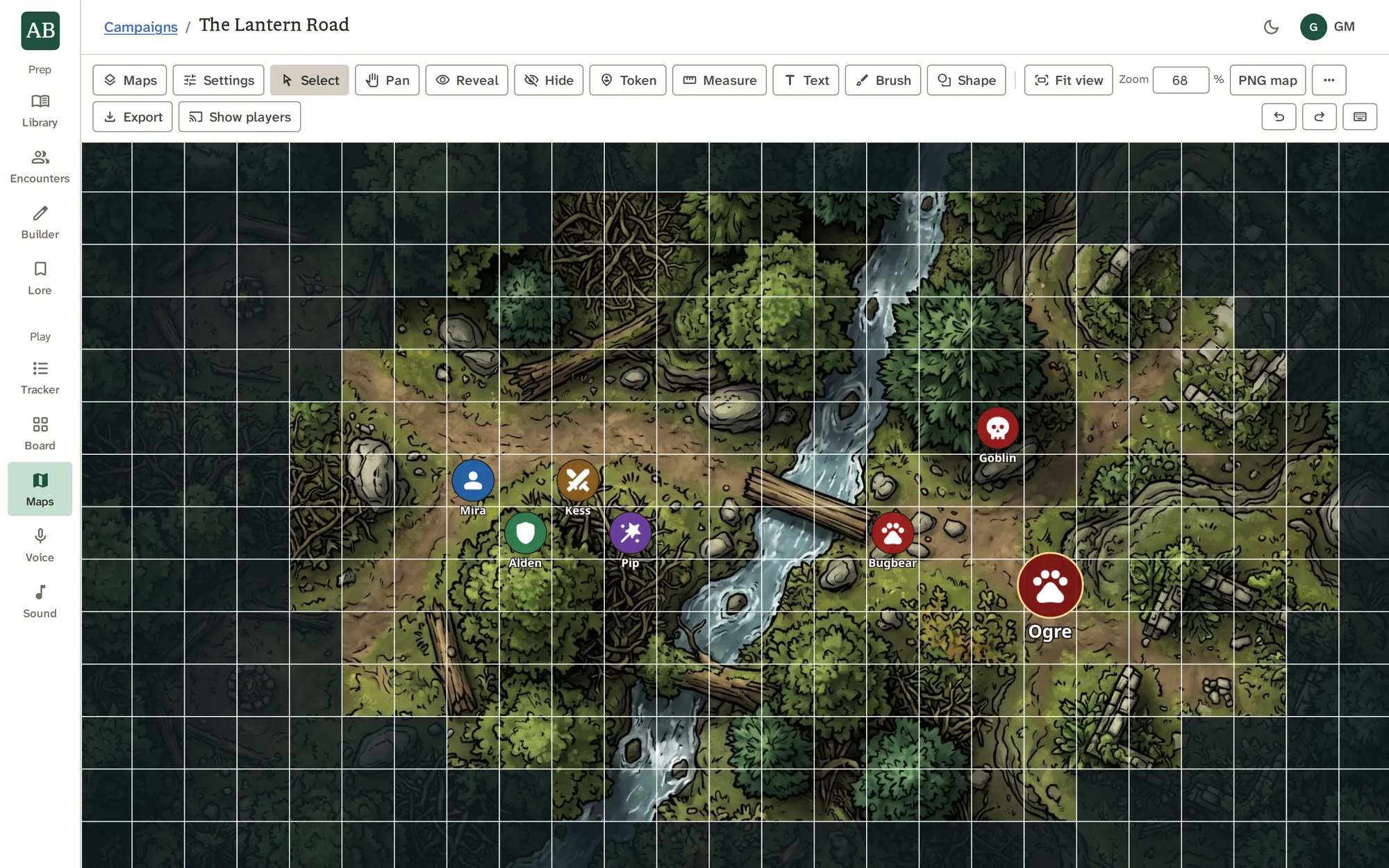
Drop in any image, choose a hex or square grid, and reveal the map as the party explores. Tokens link to Library creatures, and your players can follow the map live.
Every kind of map
Squares for the dungeon. Hexes for the world.
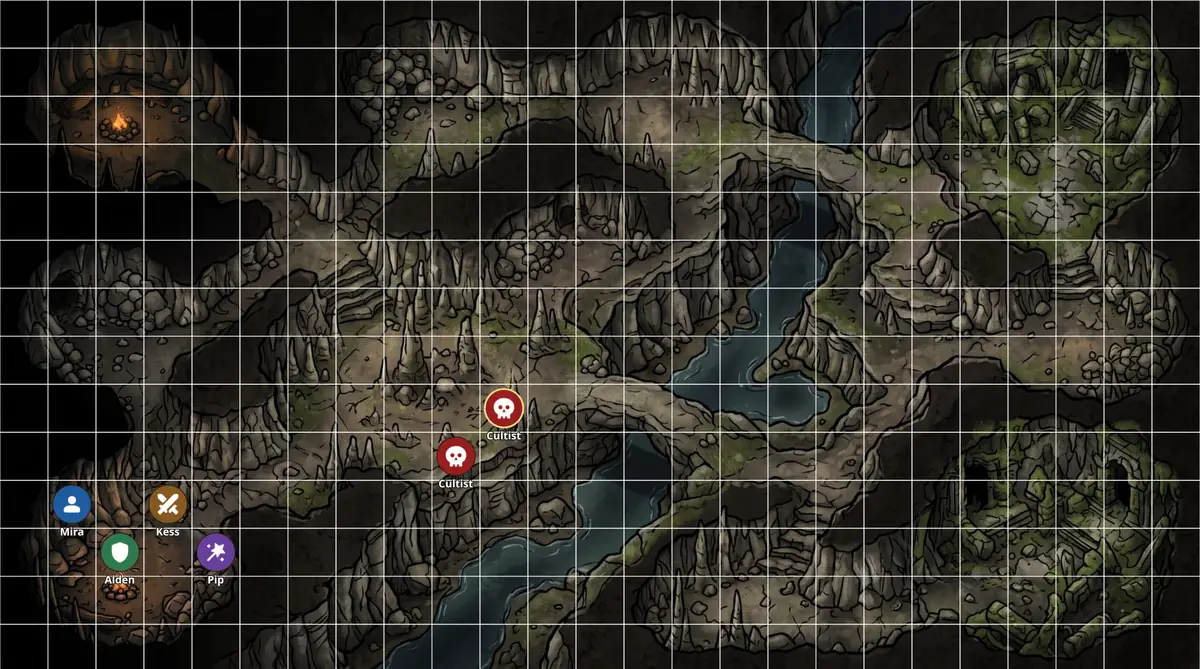
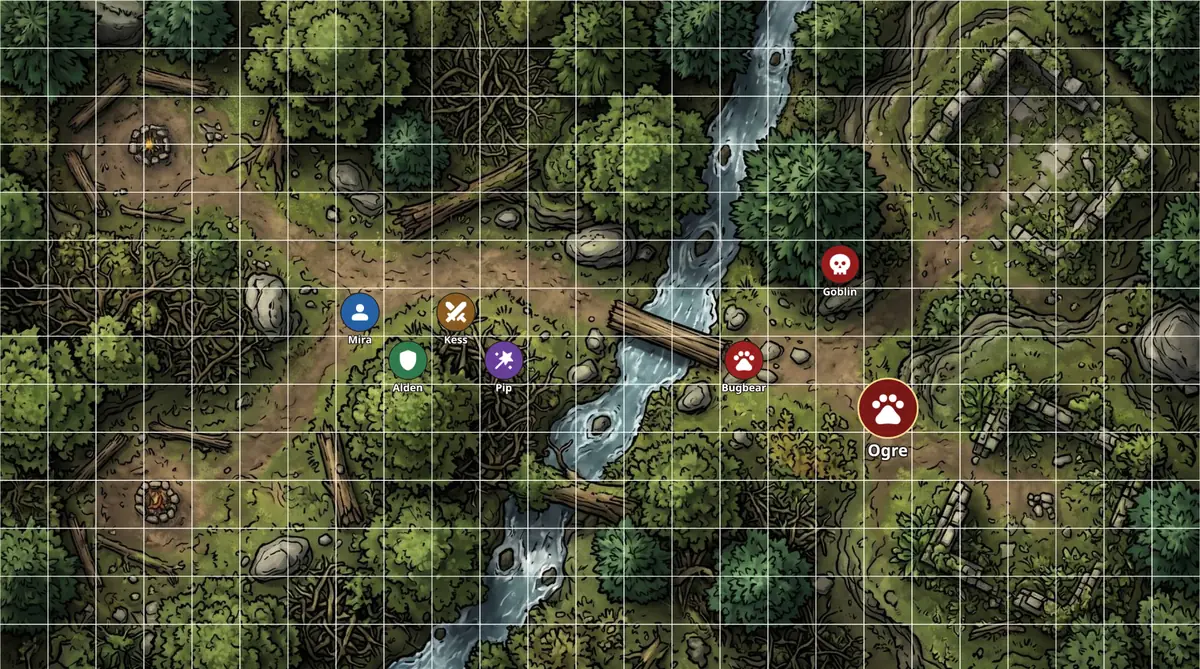
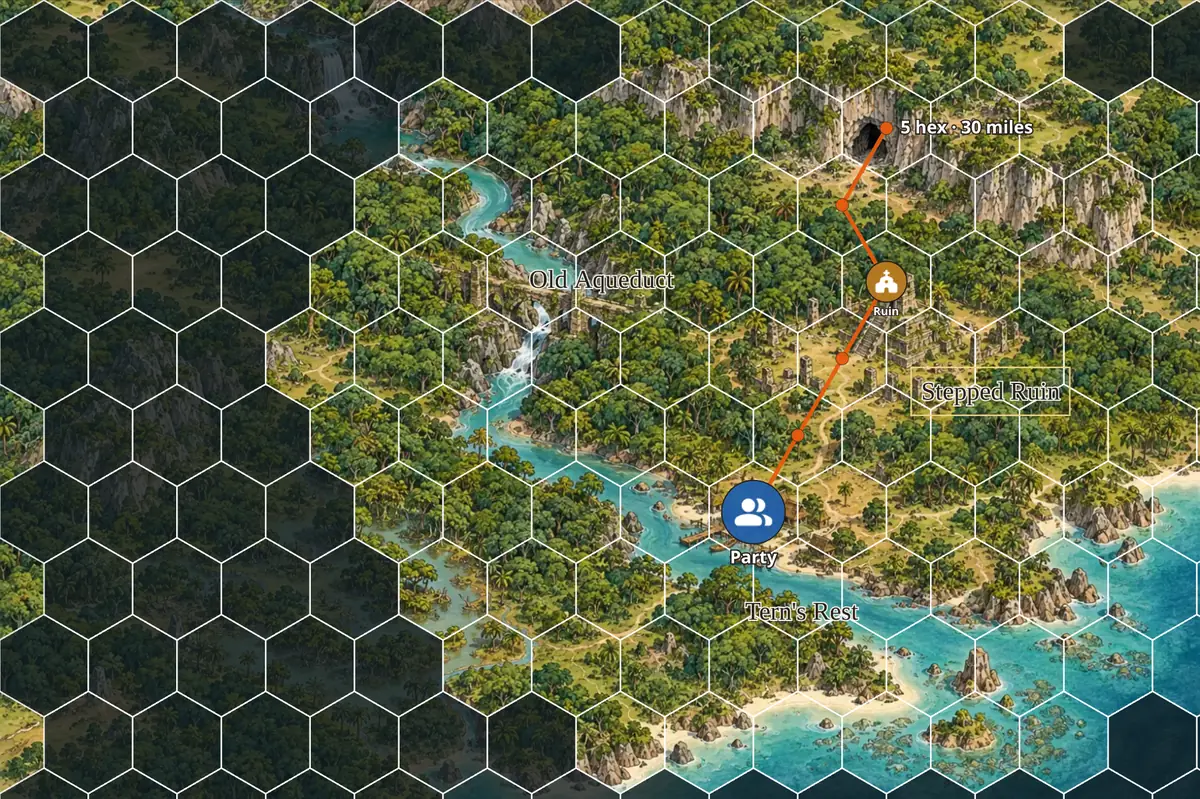
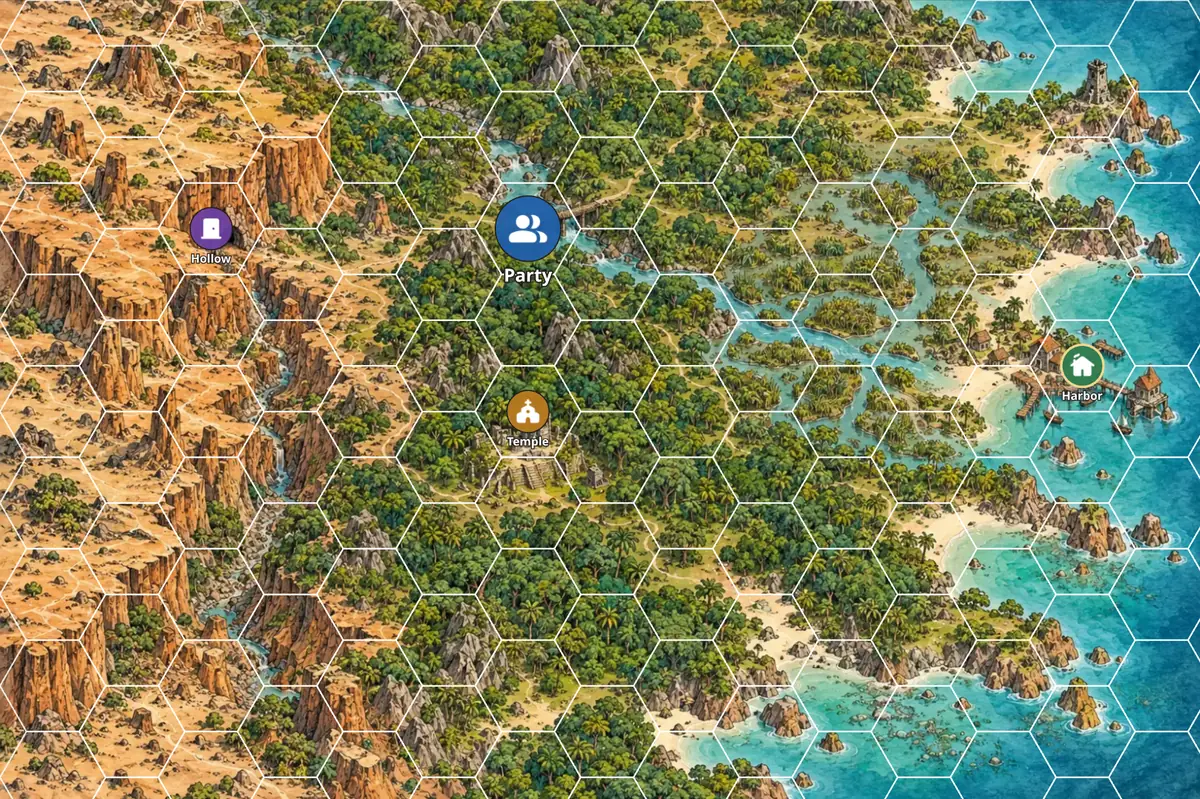
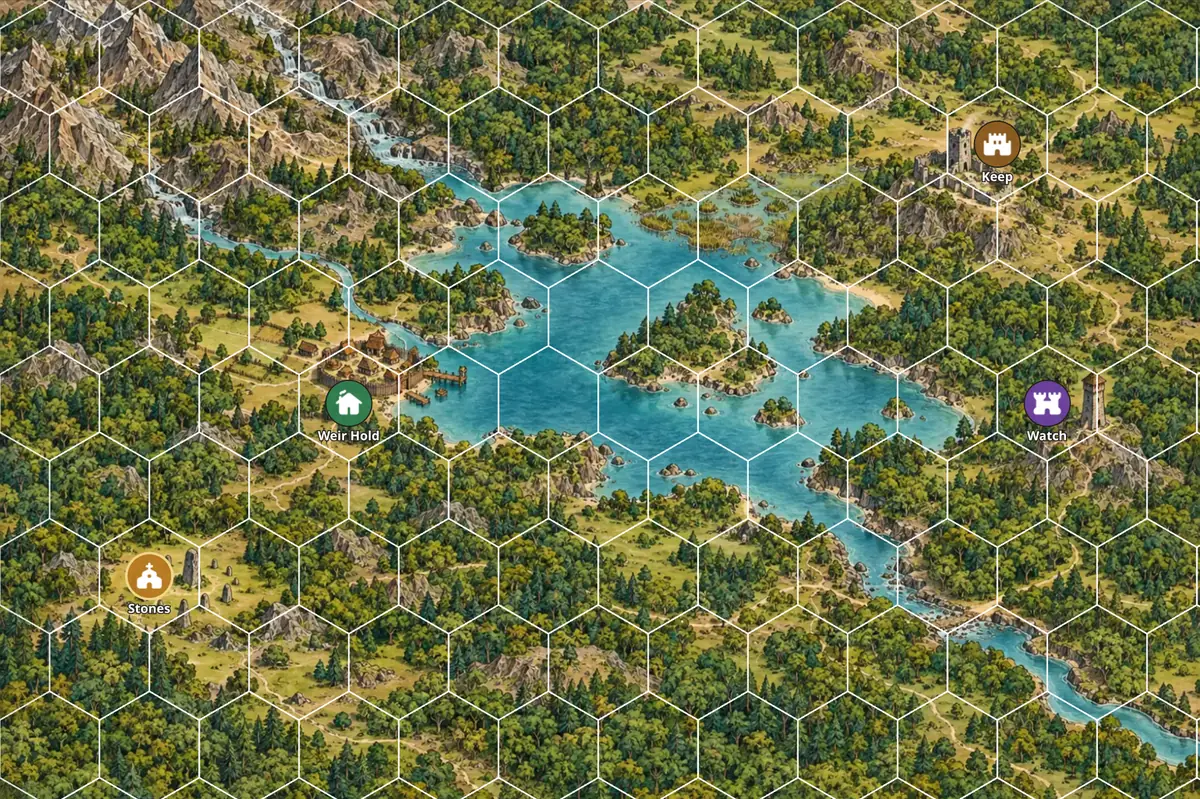
Drop in any picture and set the grid to fit it. Squares suit a cave, a dungeon or a fight at a bridge. Hexes suit a region, a coast or a long journey. Every map keeps its own grid, fog, tokens and drawings.
Square grids
For caves, dungeons and battle maps.
Hex grids
For regions, coasts and long journeys.
What it does
What it does, one piece at a time.
Any image is a map
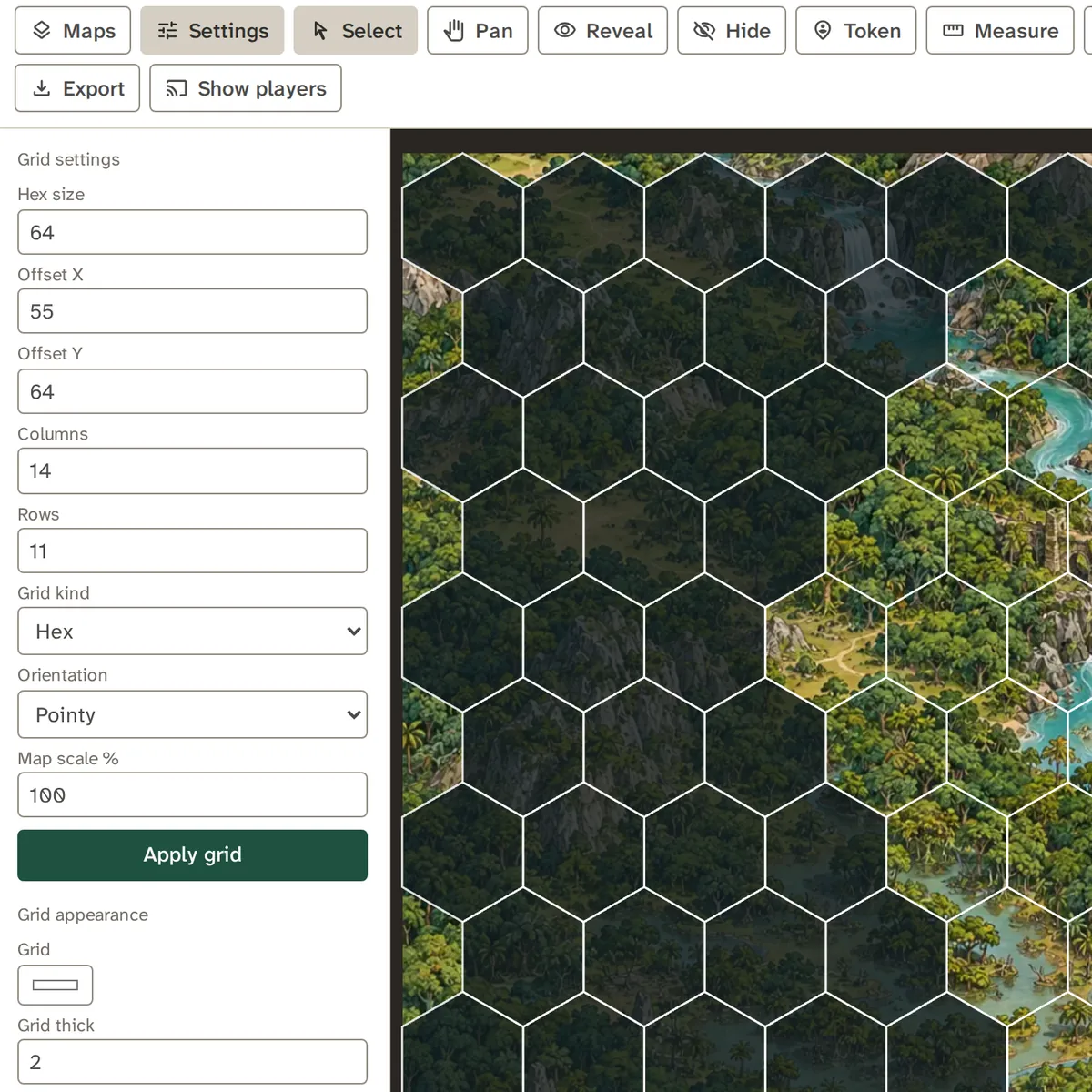
Choose a picture and set the grid to match: hex or square, size, offset, columns, rows, orientation and map scale. Changes apply as you type, and one undo takes a typed change back.
- Grid color and thickness are live, and the grid can leave revealed cells
- Export a map as a file, or the whole map as a PNG
- Pinch to zoom and drag with two fingers on a touch screen
Fog of war
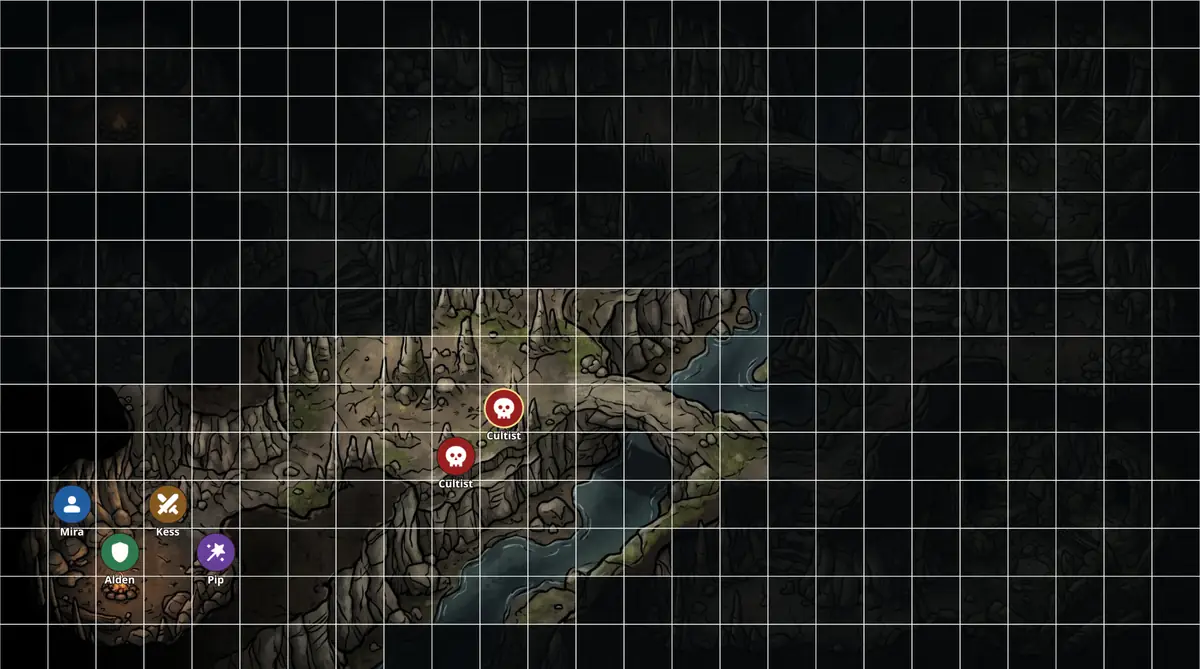
Reveal and Hide paint cells in or out of the fog. Pick the fog's color and opacity, and move a cell cursor with the arrow keys when you would rather not use the mouse.
- Fog sits above the map and below the grid
- Undo and redo cover every paint
- An unrevealed area is dim to you, and hidden from players
Tokens that know their creatures
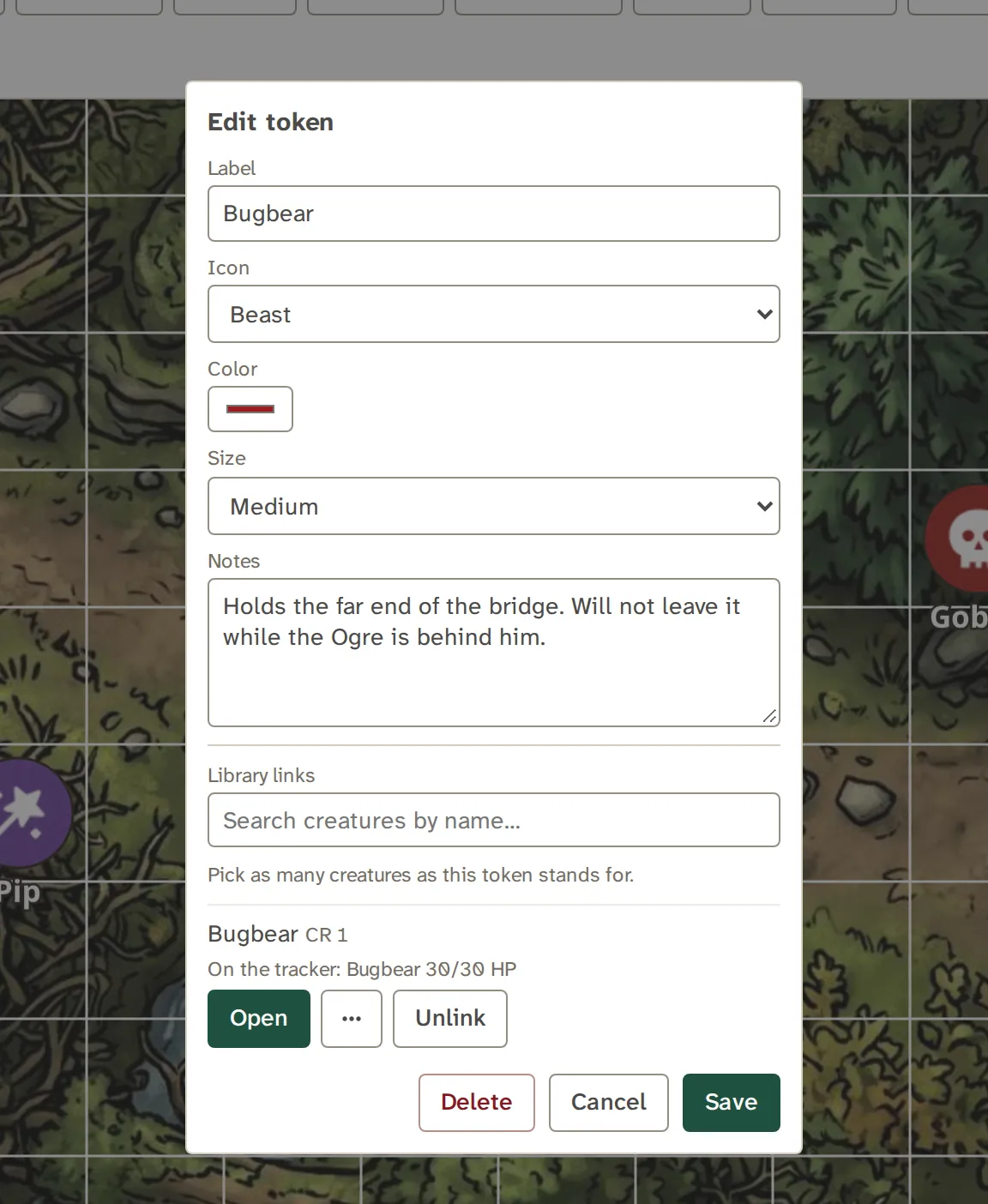
Place a token, then pick one of 31 icons, a color, a size and a label, and add notes. Link it to up to twelve Library records, and each link gets Open, Tracker and Board buttons.
- A token can stand for a whole group
- It shows your portrait of its first linked record, on your map only
- Resting the pointer on one floats its linked names and notes, never a stat block
Draw and measure
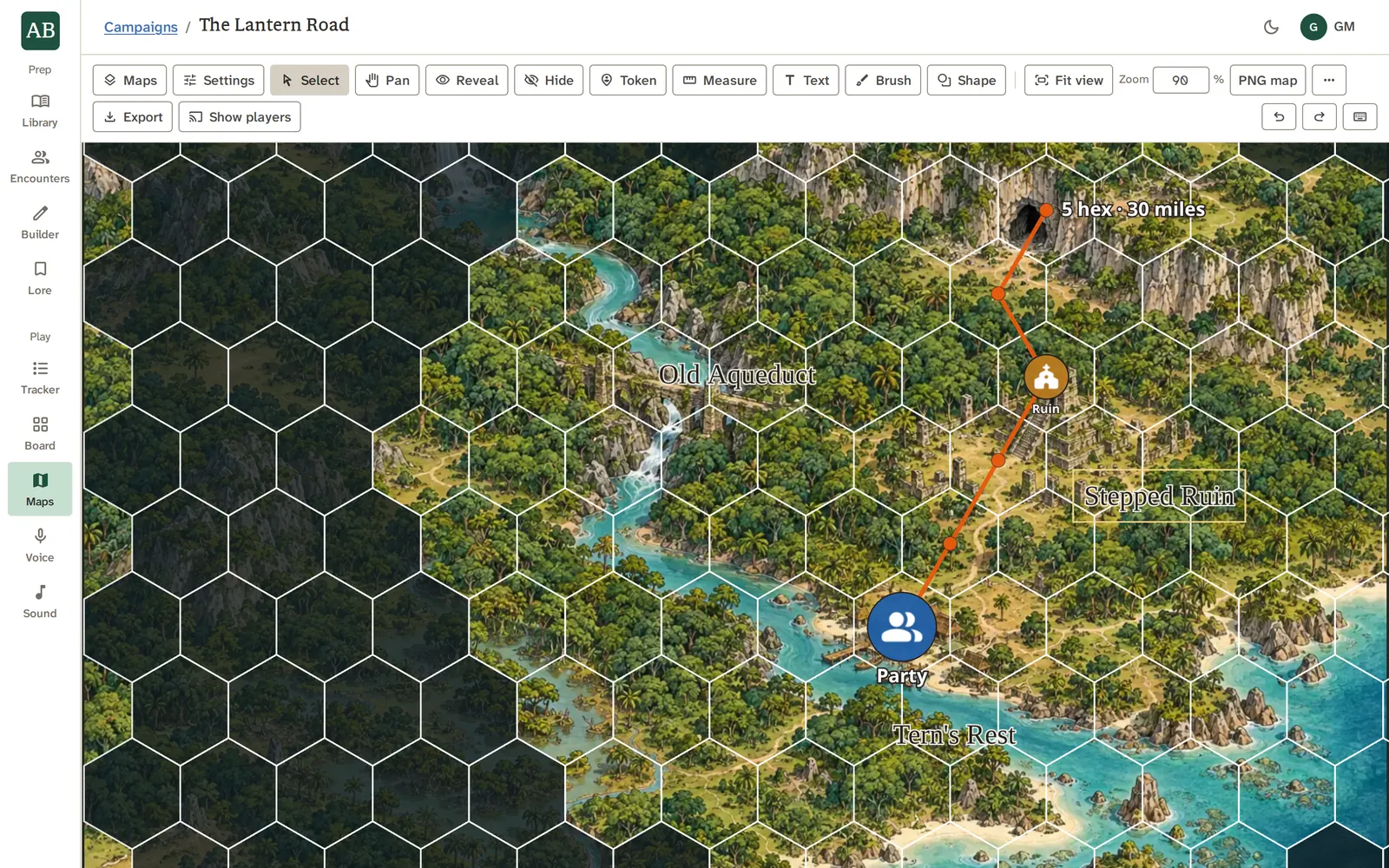
Measure a distance, add text, brush a freehand mark or draw shapes. Hold Shift to square a rectangle or snap a line to 45 degrees, and Alt to draw from the center.
- Select, and Pan, keep their jobs apart
- Space or right-drag pans from any tool
- F fits the selection and 0 returns to 1:1
Show it to your players
Press Show players and the open map goes to the campaign's player link: tokens, drawings and fog, following your camera and your map switches. Stop showing takes it back.
- Players see icons, never your portraits or a token's notes
- One thing shows at a time
- Players only watch: they cannot move a token
See it work
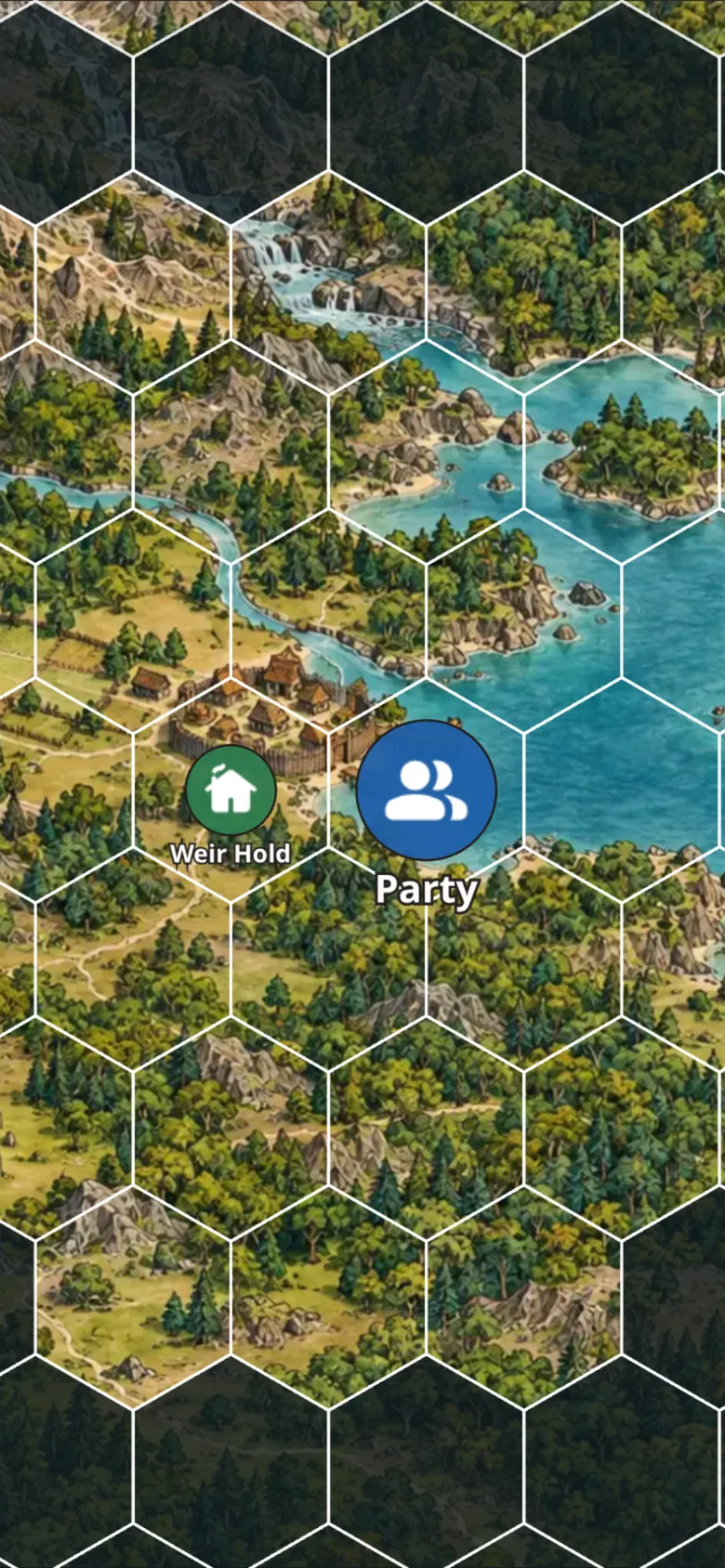
Reveal it as they go.
Brush the fog away and the room underneath appears, grid and all. Players see the same map, about a second behind, with the fog at your own opacity.
With the other tools
Where the work goes next.
Good to know
What it does not do.
- Maps stays your tool. Sharing a map is showing it, and players do not move tokens.
- A token links to records by id and copies nothing from them.
Questions
About Maps.
Can my players move tokens?
No. Players only watch. They see the map, tokens, drawings and fog as you do, a second behind, and they never touch it.
Can I use my own battle map images?
Yes. Any image works as a map, and you set the grid to fit it.
Does it do hex and square grids?
Both. Pick the kind, the size, the offset, the number of columns and rows, and the orientation.
Which grid should I use?
Squares suit a cave, a dungeon or a street fight. Hexes suit a region, a coast or a long journey. Each map keeps its own grid, so one campaign can hold both.
Does it work on a tablet or phone?
Yes. Pinch zooms about your fingers, and a two-finger drag pans.
Can I take a map out?
Export it as a file to import again, or save the whole map as a PNG. Maps travel in your campaign archive with their images.
What do players see of a token?
Its icon, label and color. Never your portrait of its creature, and never its notes.
Do I need the player link to show a map?
Yes. Show players uses the campaign's player link, the same one the Combat Tracker uses.
Try Maps on your own campaign.
Fog of war, and tokens that know their creatures.