Prep · Library
Every creature and spell, one search away.
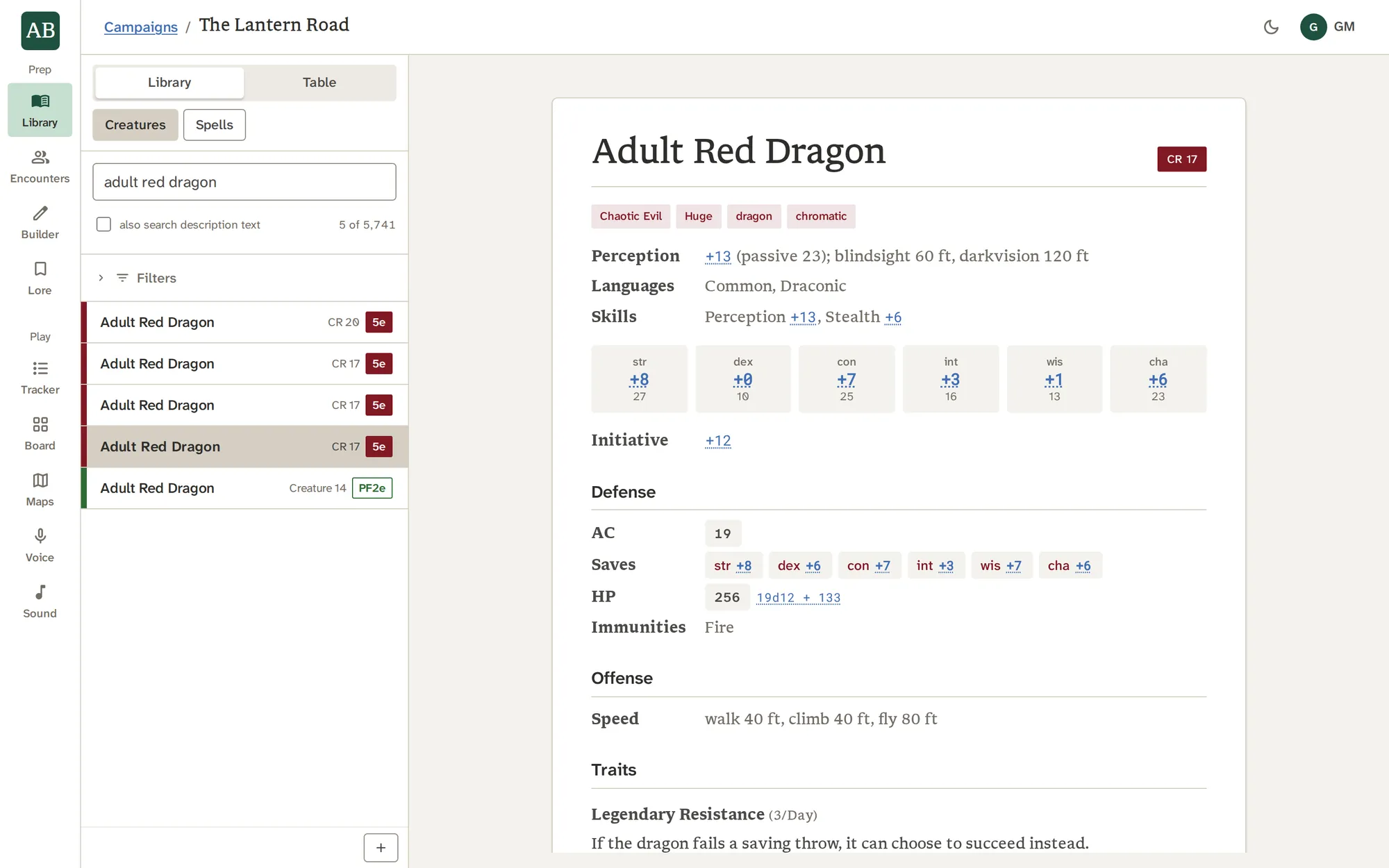
Search 5,684 creatures and 3,600 spells across both systems, read the whole stat block, and click any formula to roll it. Your own notes and portraits sit beside each record.
What it does
What it does, one piece at a time.
Find it fast
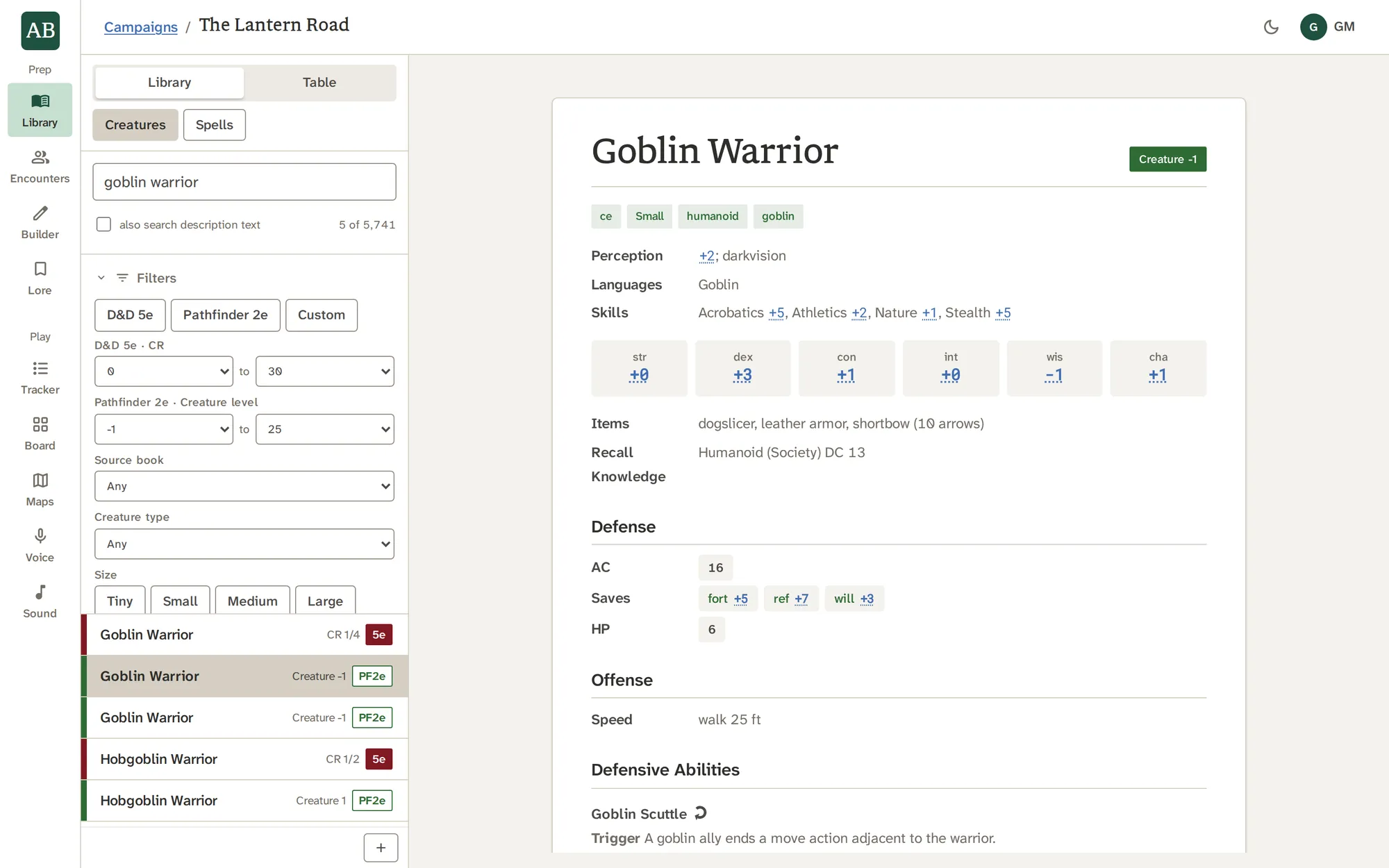
Search by name, or tick also search description text to look inside the rules text. Then narrow with filters, and order by name or by challenge or level.
- Filter by system, source, creature type and size
- Filter by challenge rating or creature level
- For spells: rank, school, tradition or class, and traits
Read the whole stat block
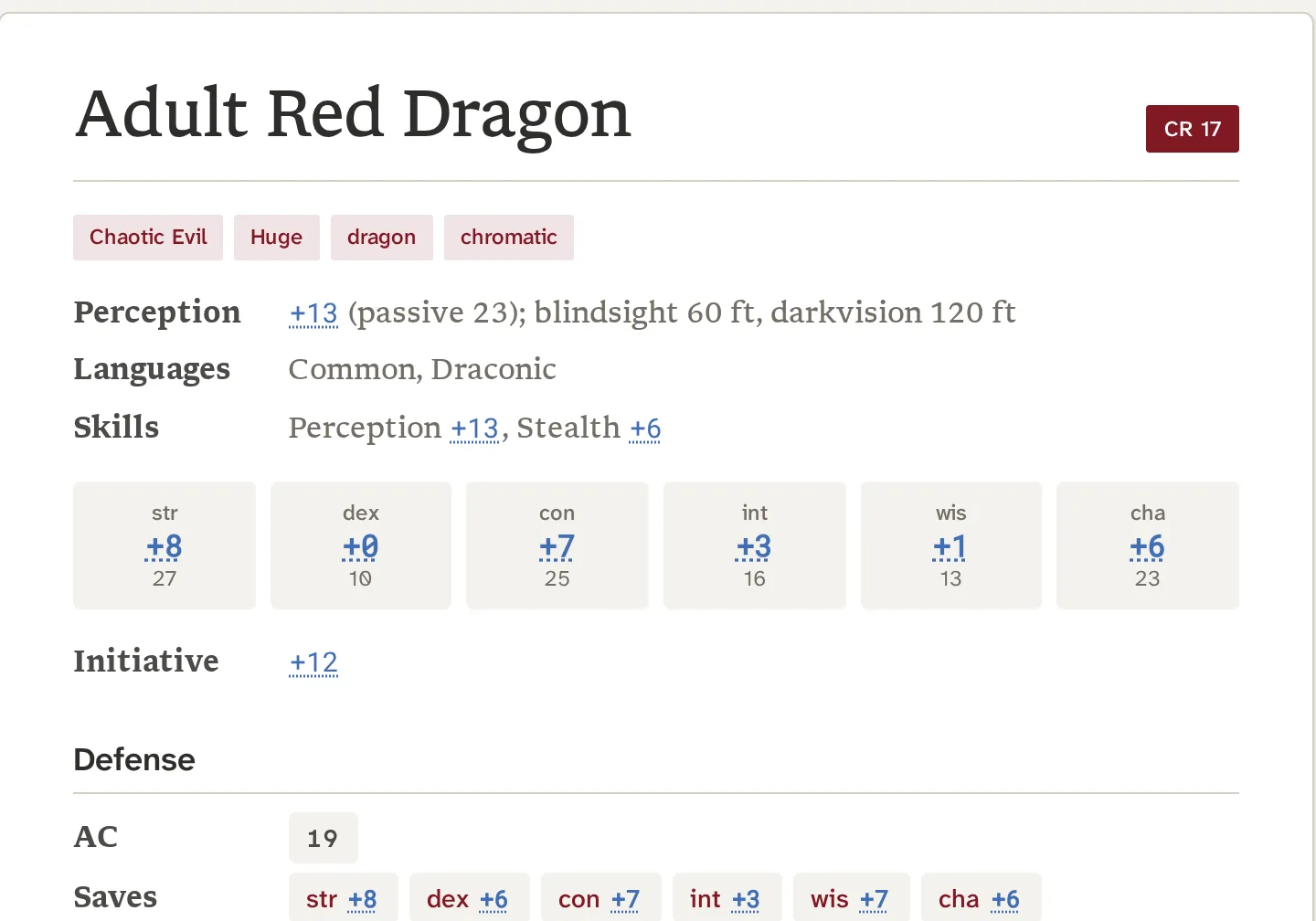
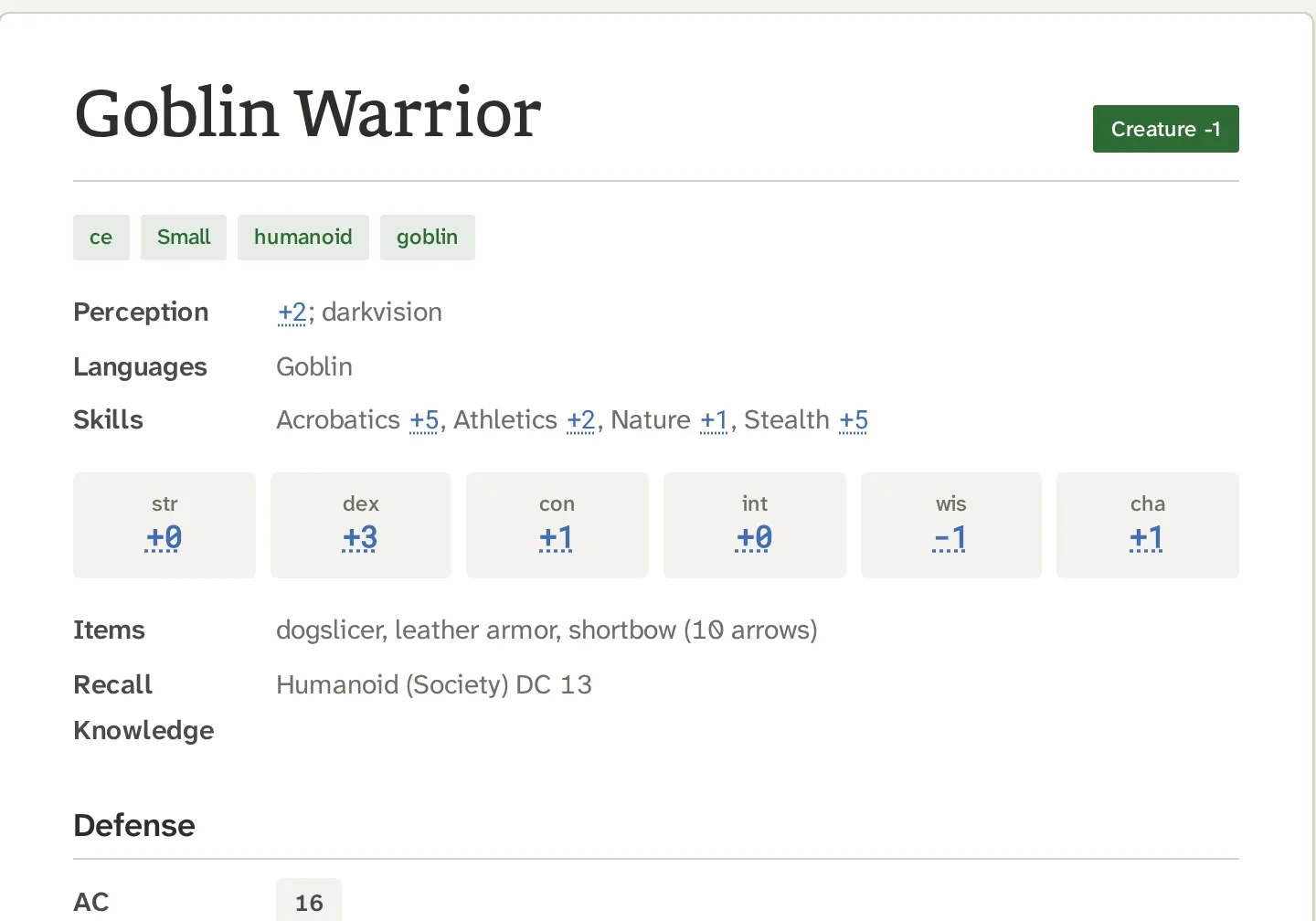
The reading pane draws each record on its own system's sheet: the first in a serif with a deep red label, the second in a sans with a deep green outline, so you never mistake one for the other.
- Click an ability modifier, an attack bonus or a damage formula to roll it
- Senses, vulnerabilities, items and recall knowledge shown where the system has them
- Never converted between systems: a creature stays what it is
Open spells and conditions without losing your place
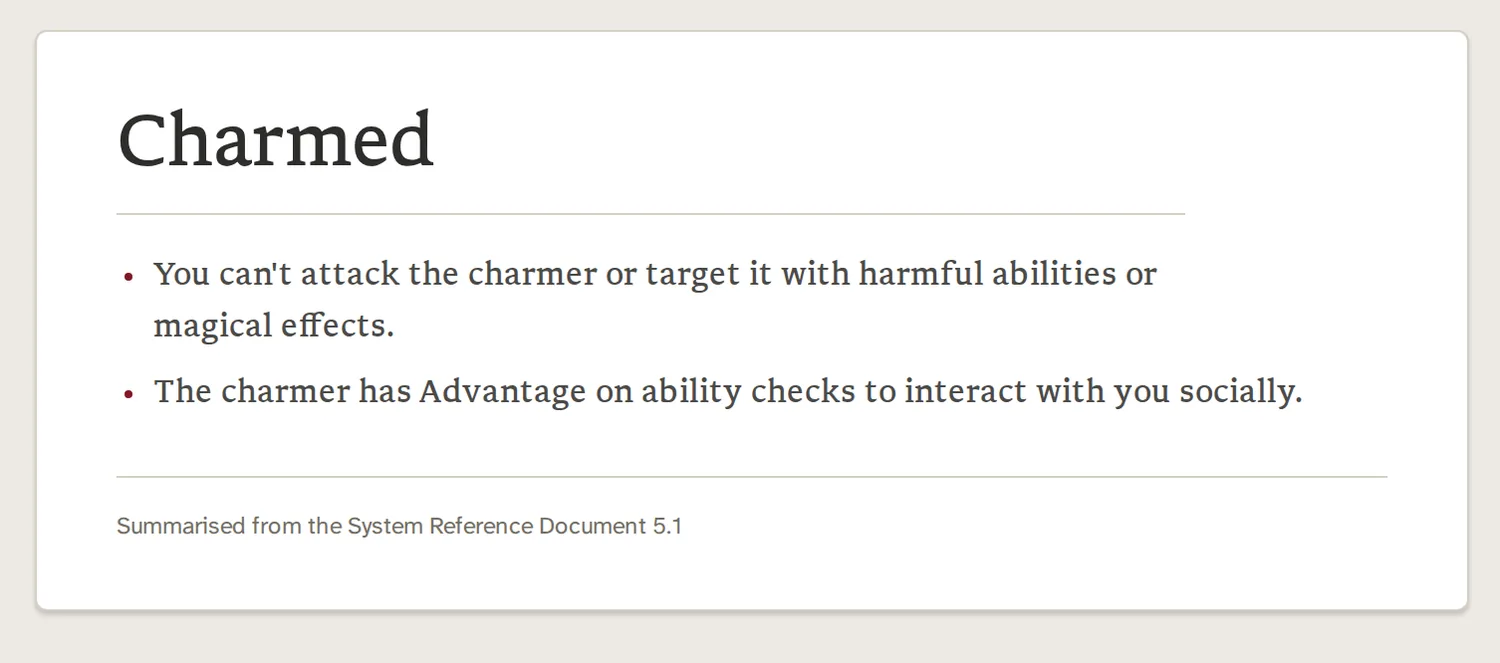
A spell in a creature's spell list opens as a peek over the sheet. So does a condition named in a creature's or spell's text, with its definition under that record's own ruleset. Peeks stack, and Back or Escape goes down one layer.
- Conditions are links wherever the text names them
- A condition named inside a definition opens over it
- Close, and the creature is exactly where you left it
Make it yours
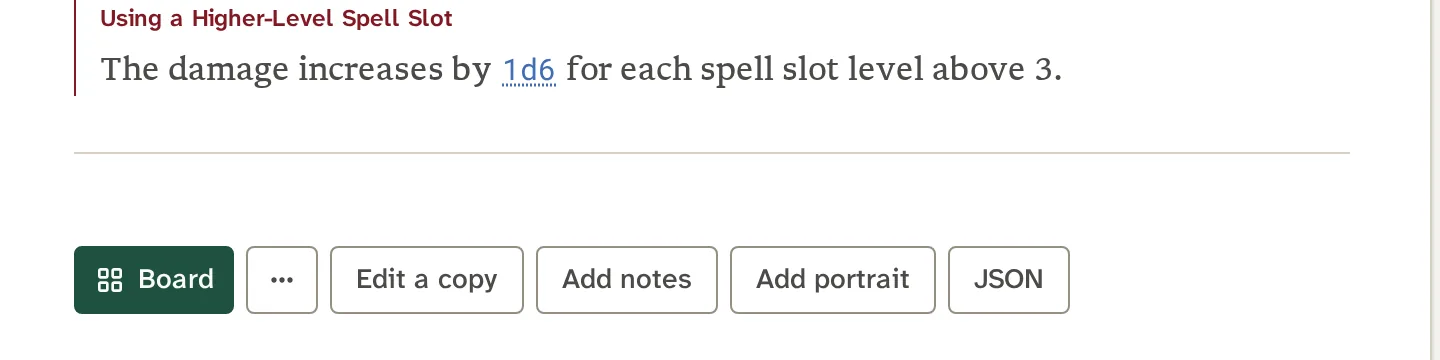
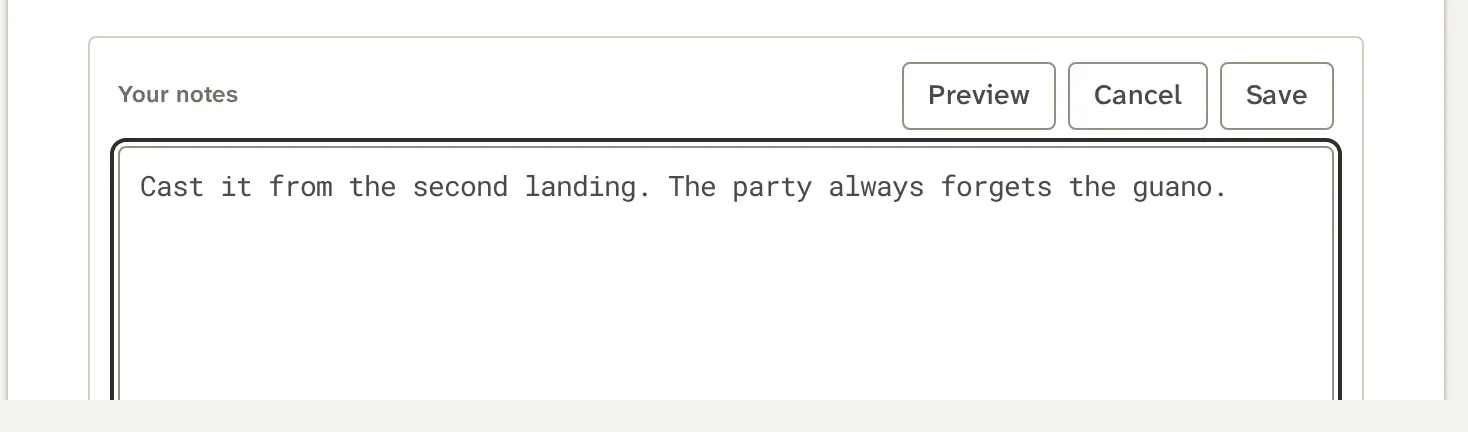
Add your own creatures and spells, keep notes and a portrait on any record, and fork anything with Edit a copy. What you add is yours alone: it never overwrites the library, and the original record stays as shipped.
- Notes and portraits belong to your account, beside the record and never in it
- A portrait shows on that creature's Combat Tracker and Board cards
- Every record can show its stored JSON, to copy or download
See it work
Type three letters.
The list narrows as you type, across both systems at once. Each row shows its rating and which system it belongs to.
With the other tools
Where the work goes next.
Good to know
What it does not do.
- Conditions in a stat block are reference only. The Combat Tracker keeps initiative, hit points and markers, and conditions and rulings stay yours.
- Library records are read-only. To change one, make a copy.
- There is no challenge-to-level conversion and no power comparison between the two systems.
Questions
About Library.
How many creatures and spells are in the Library?
9,284 records today: 5,684 creatures and 3,600 spells, across both systems. The count on this page is read from the app itself.
Where does the content come from?
From open-licensed rules material. Each record carries its source inside the app, and the Licences and credits page lists every source and its licence.
Can I add my own creatures and spells?
Yes. Build a creature in the Builder, start from any record with Use as template, fork a record with Edit a copy, or write one as JSON. What you add never overwrites a library record.
Do the dice formulas roll for me?
Click a modifier, an attack bonus or a damage formula in a stat block and it rolls. The Combat Tracker also has a dice tray for any roll you like.
Can I search the rules text?
Yes. Tick also search description text under the search box. Without it, the search matches names.
Does it convert a creature from one system to the other?
No. A creature stays in its own system, and the Library never converts or compares power across systems.
Can I keep notes on a creature?
Yes. Add notes and a portrait to any record. They belong to your account and sit beside the record, so the original is never edited.
Is the Library shared between my campaigns?
Yes. The whole Library, including your own creatures, spells, notes and portraits, is shared by every campaign, so a custom creature is made once.
Try Library on your own campaign.
Every creature and spell, one search away.