
Changed todayThe Lantern Road
A caravan route gone quiet: four strangers, one missing watch captain, and a bell that tolls out of time.
OpenContinue: Session 1Campaigns
Campaign Home lays your campaigns out as cards, the most recently played first. Open one and you land in the tool you were using, and a fight left mid-round waits to be resumed.
A caravan route gone quiet: four strangers, one missing watch captain, and a bell that tolls out of time.
OpenContinue: Session 1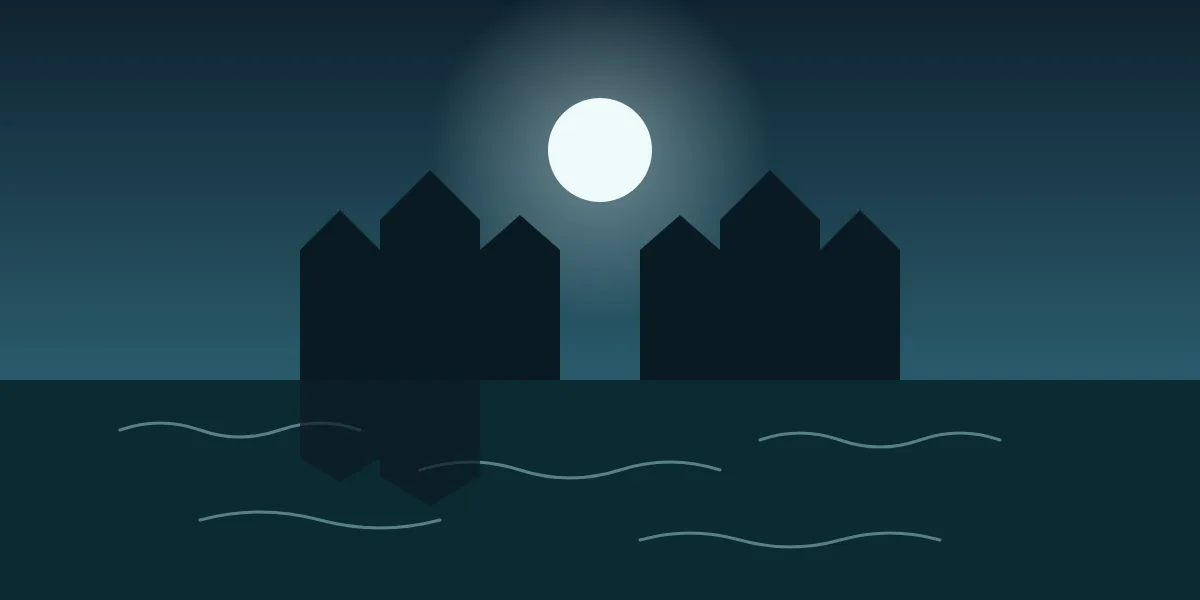
A flooded chapel, a congregation that never left, and a hymn only the dying can hear.
OpenContinue: The flooded nave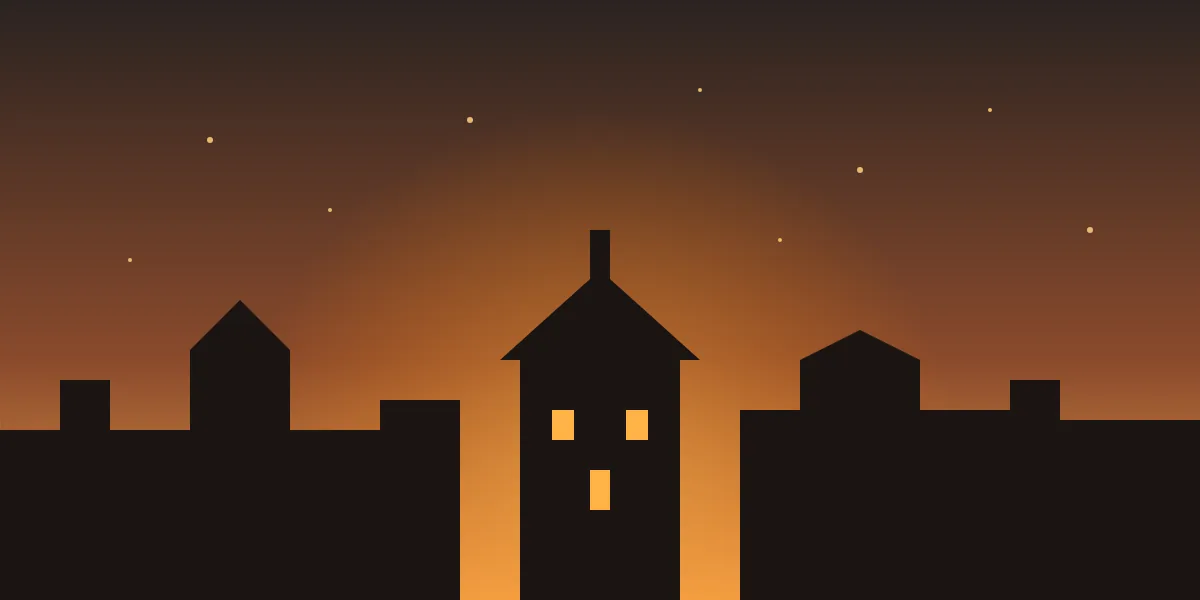
A mining town waits for the ore carts that never came. Something below the gate has learned to sing.
OpenContinue: Session 2What it does
Each campaign is a card with a cover, a title, a summary and what it holds: how many pages, maps, saved encounters and boards. Open takes you to the tool you last used in that campaign. Continue opens the board you left open.
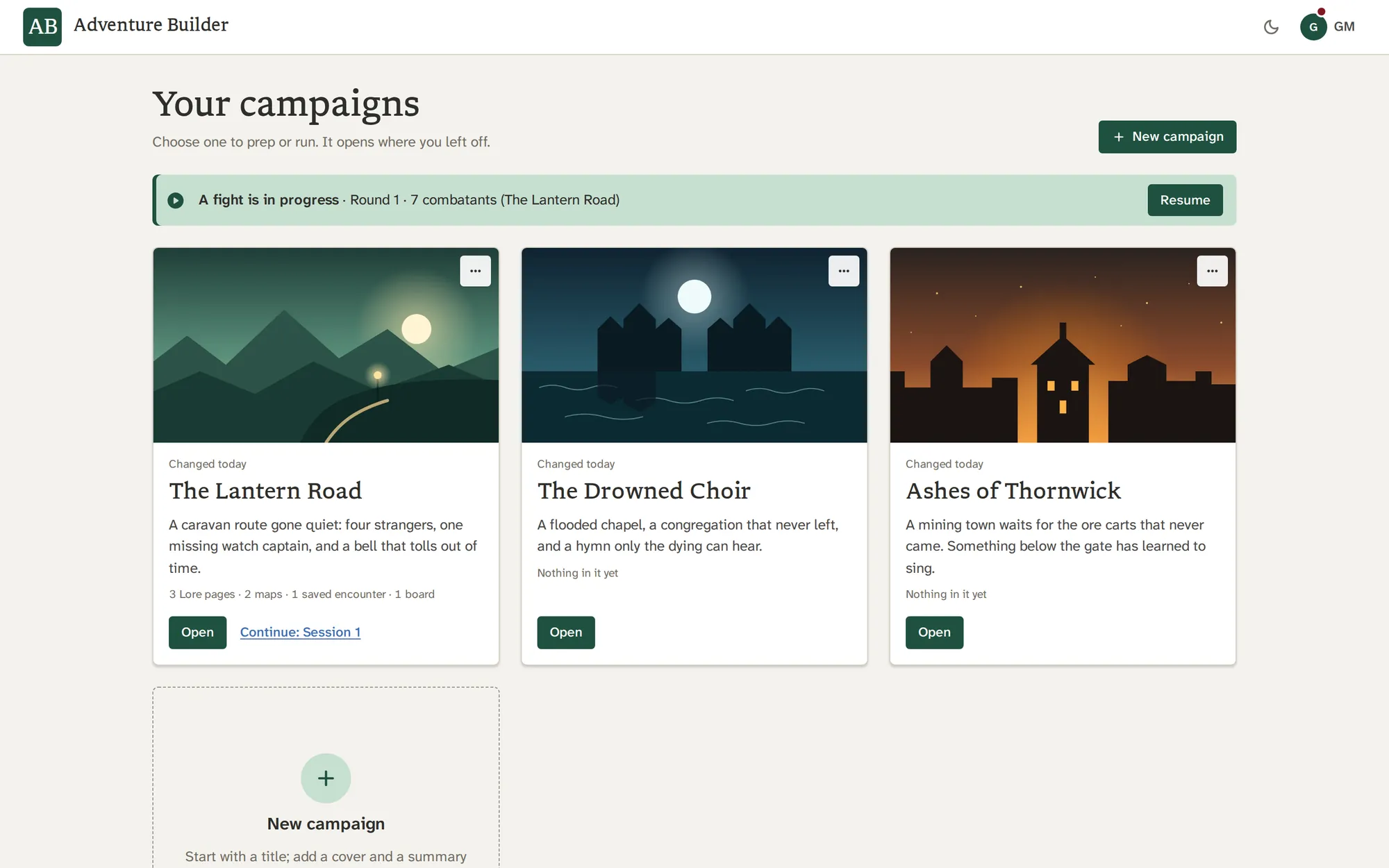
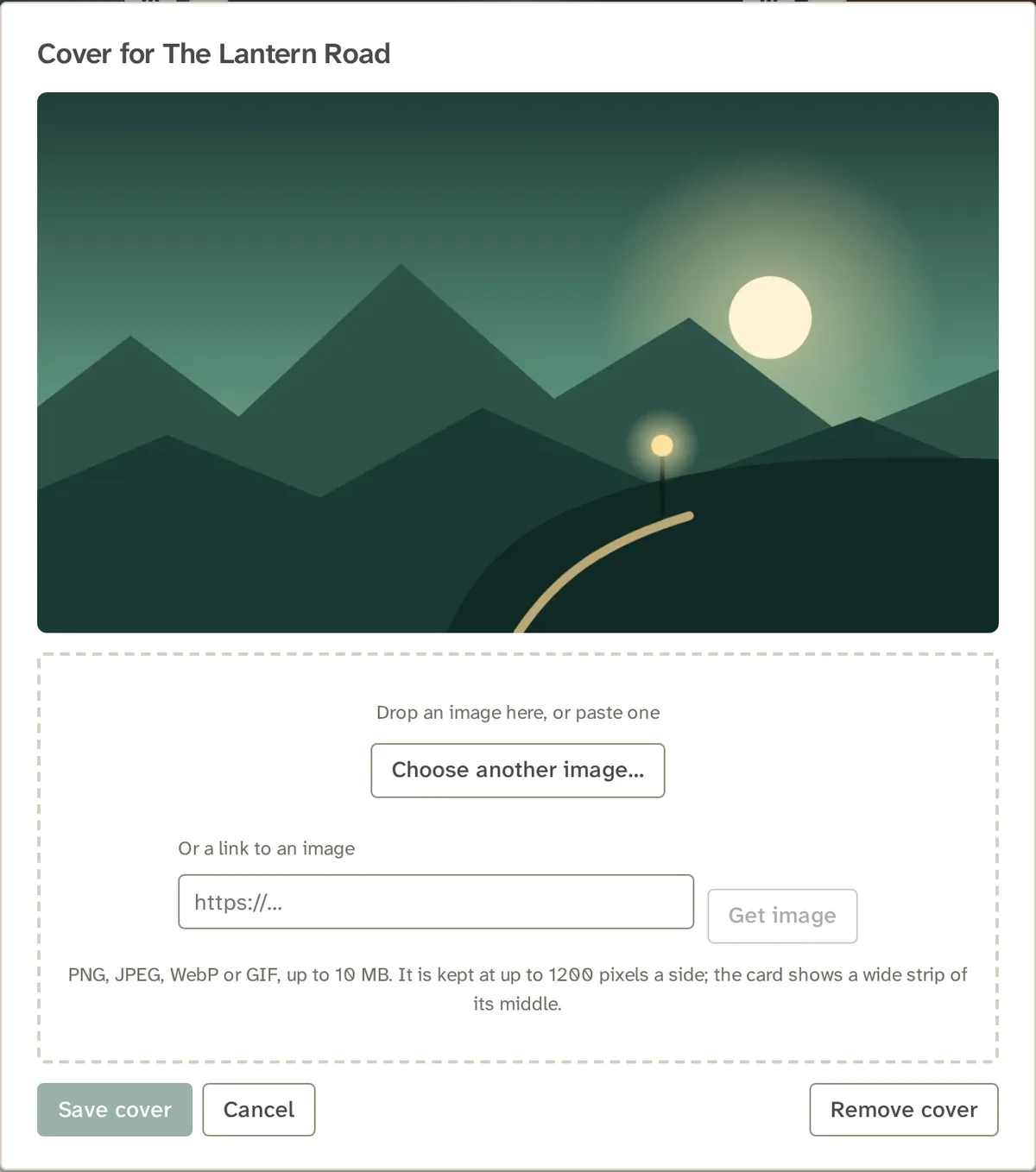
Choose a cover from a file, drop one on the card, paste one or fetch it from a link. It is fetched once and kept as your own copy, at most 1,200 pixels a side. Without a cover, a campaign shows its initials on a spruce tile.
Questions
As many as you like. Each is a card on Campaign Home, newest first.
Each campaign keeps its own party, saved encounters, maps, Lore pages, Board sessions, NPCs, voice clips and player link. The whole Library, your own creatures and spells, your notes and portraits, and your sounds are shared by every campaign, so a custom creature is made once.
A fight in progress belongs to no campaign, so Campaign Home offers it back with a Resume button, whichever campaign you were in.
Yes. Open takes you to the tool you last used in that campaign, and the last board you had open is a Continue link on its card.
Yes, through a downloaded save or archive, which carries the campaign's pages, maps and boards, and the images and media in an archive.
Yes, from the card's three-dot menu, after a confirmation. Deleting the last one starts a fresh campaign in its place.
No. Players only ever see the one thing you show them, through the player link.
Give it a title, add a cover and a summary any time, and fill it as you go.